QR code
Each menu has its own code. The guest opens it on a phone, without installing an app.


 +374 41 69-69-69
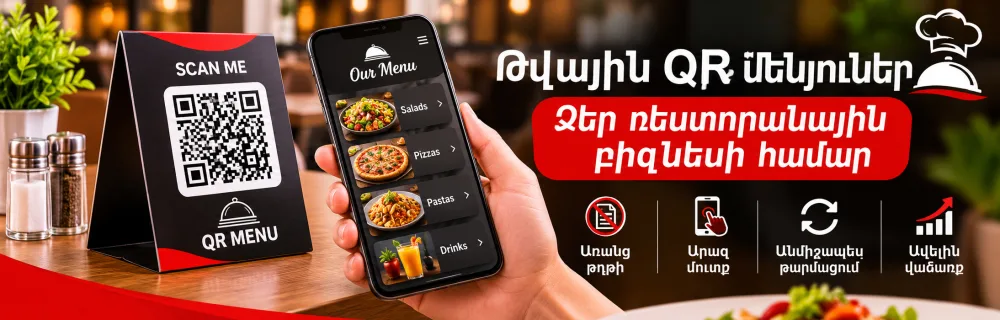




A restaurant menu on the phone screen
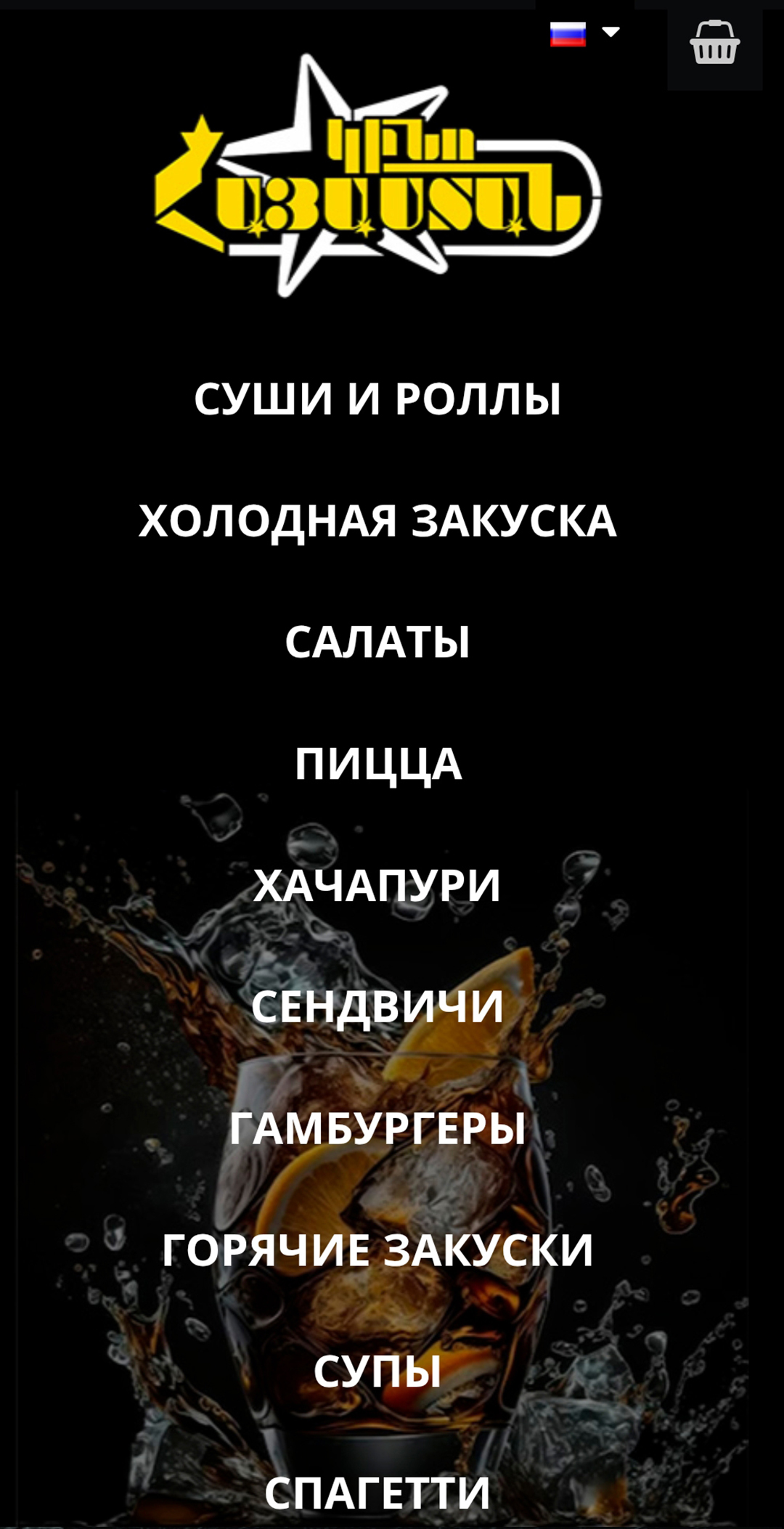
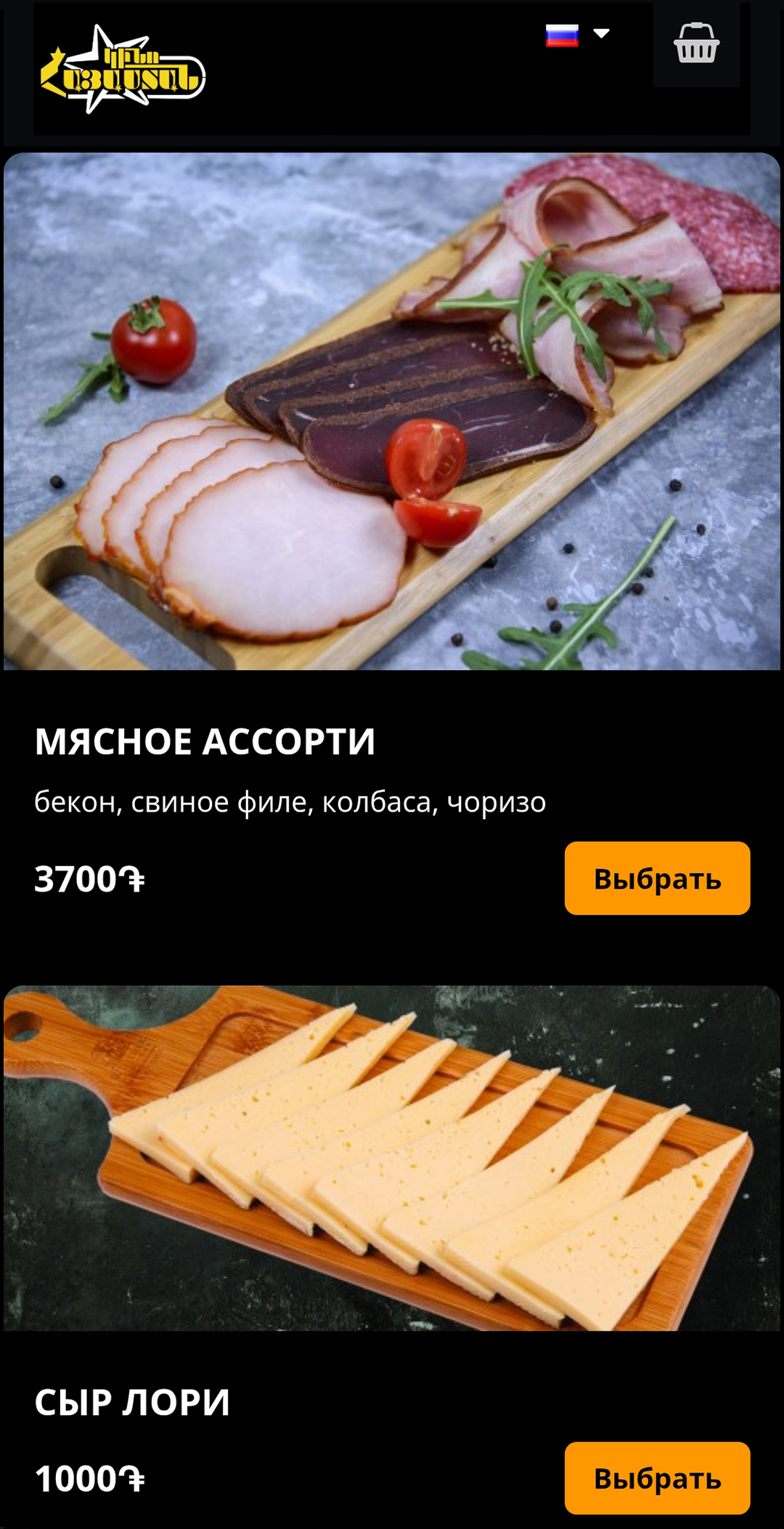
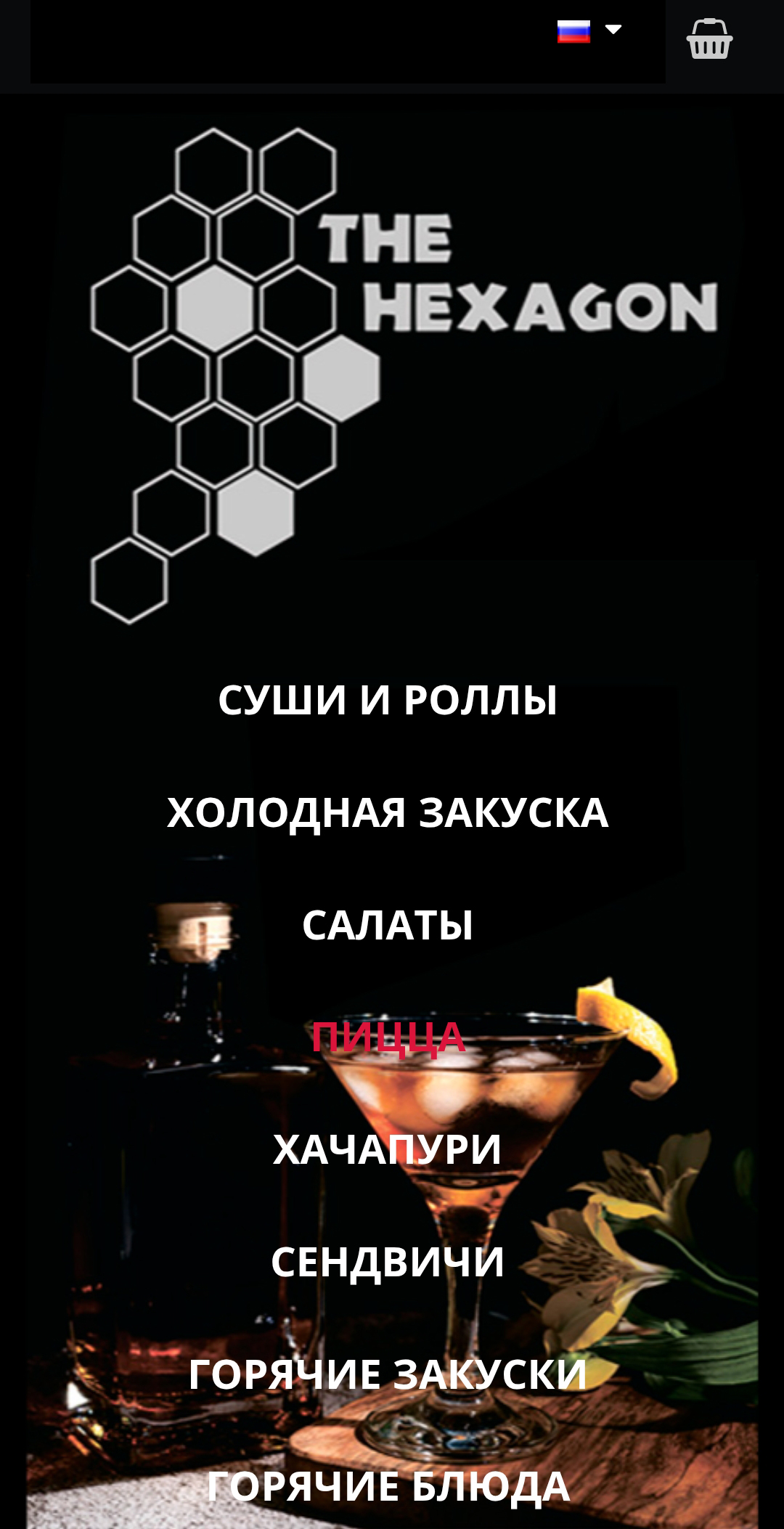
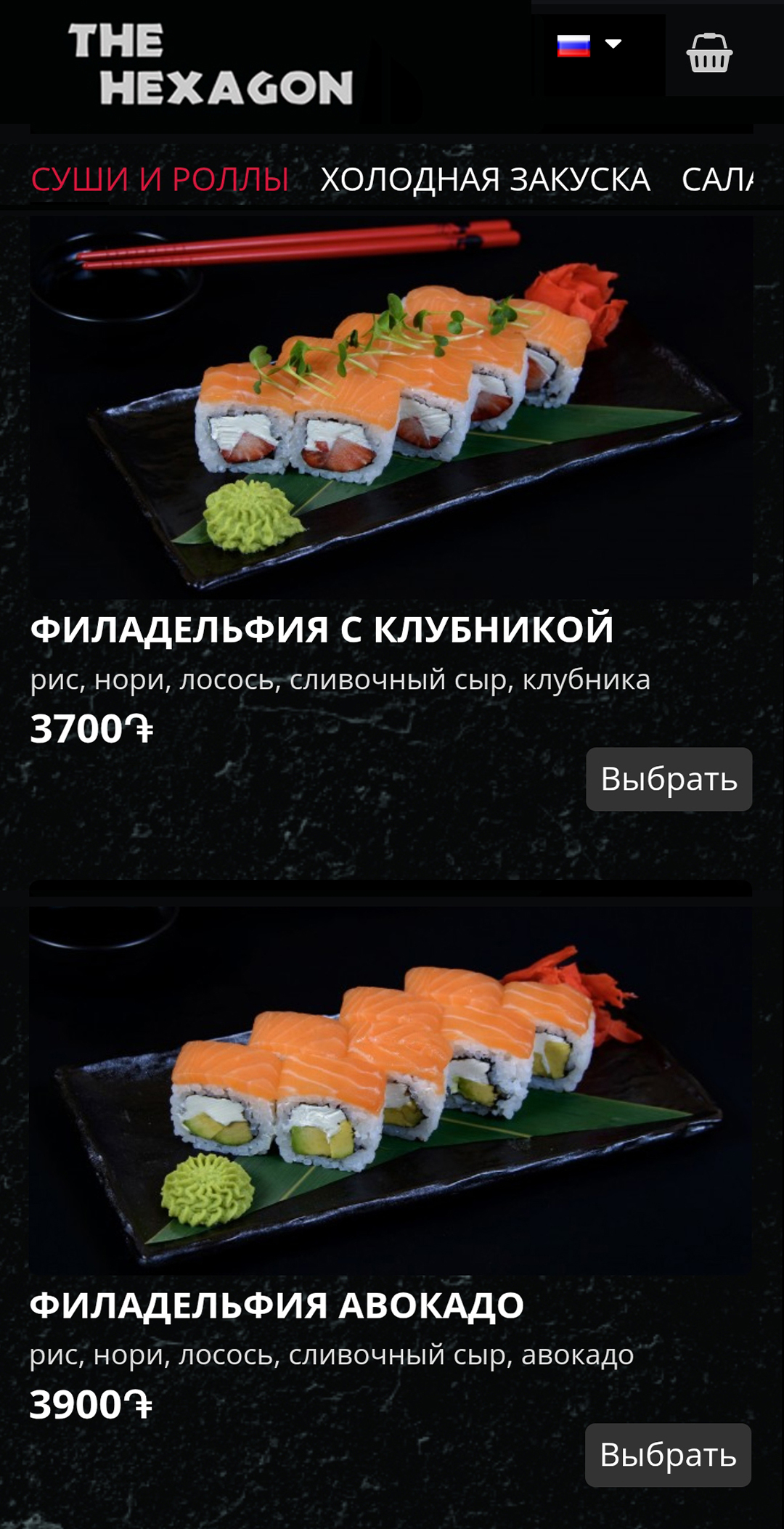
A guest scans the QR code on the table and opens the menu on their own phone. No app has to be installed. The sections come first, for example hot food, drinks or dessert, then each dish’s photo, a short description and the price. The same screen also fits a tablet.
A paper menu no longer has to be printed. The price changed or a dish ran out: you correct that in the panel, and the next guest already sees the new version. The color, the type and the logo follow the restaurant’s style, and the same menu can open in more than one language when a guest at the table is from abroad.
Six things that make the menu work in the dining room.
Each menu has its own code. The guest opens it on a phone, without installing an app.
The menu fits a phone and a tablet. Sections scroll, and a dish is chosen from its photo.
You can see which dish is opened more often. That number helps you decide what stays on the list.
The color, the type and the logo follow the restaurant’s brand, not a generic template.
The same menu can open in more than one language. Useful when a guest at the table is from abroad.
The data is encrypted, copied on a regular schedule, and the system is watched.
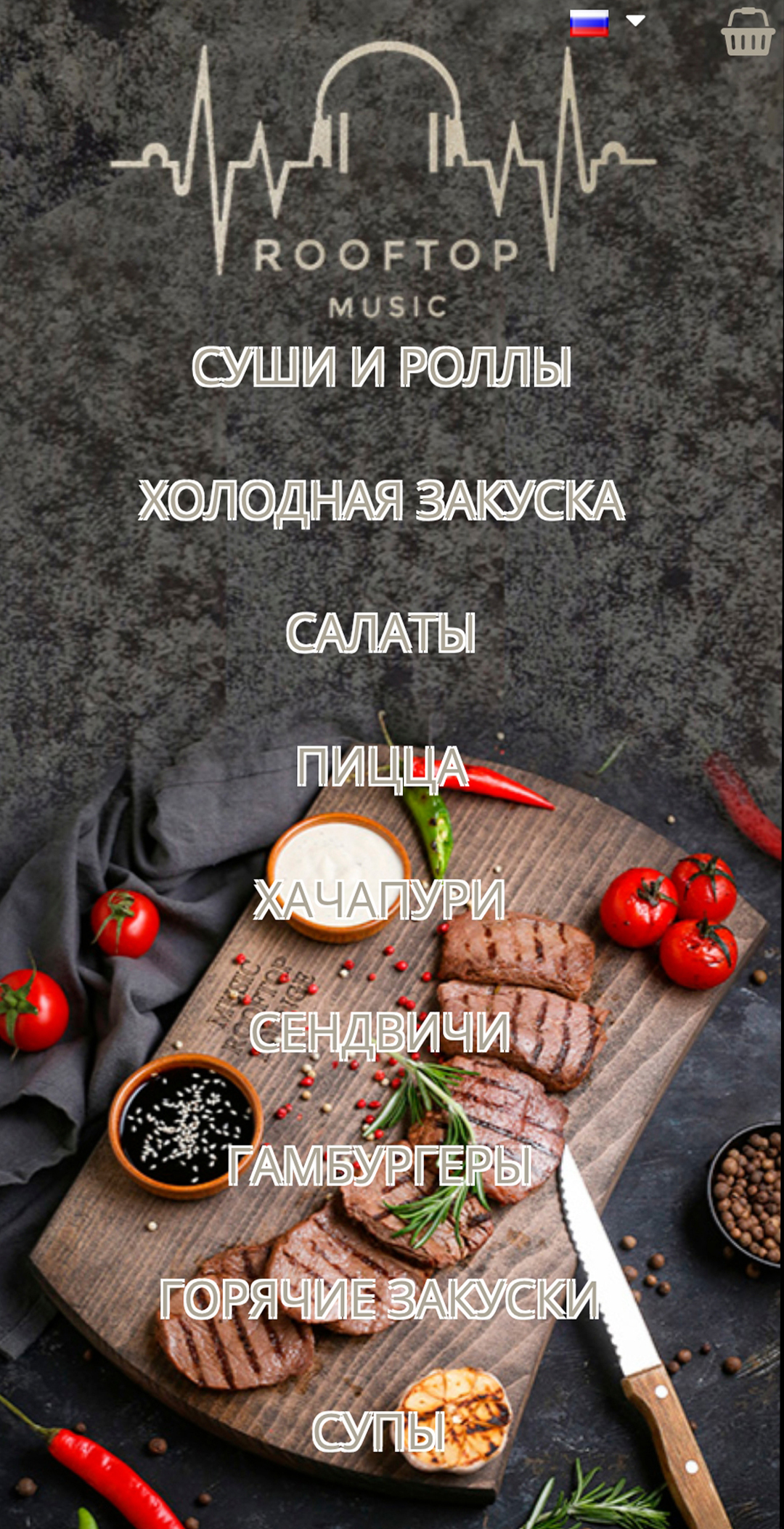
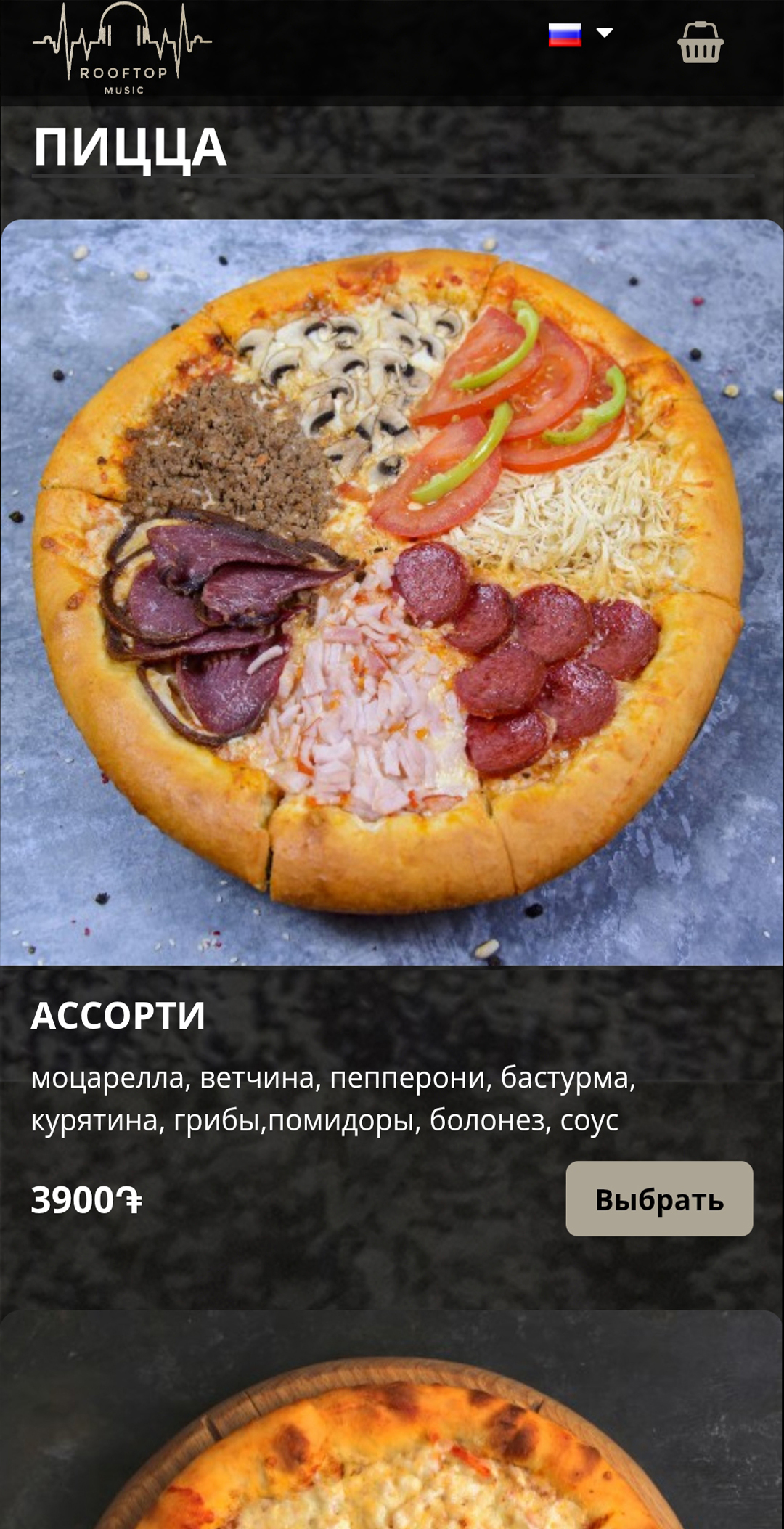
Three restaurants already use this menu: Kino Hayastan, Hexagon and Hay Roof. The left screen is the list of sections. The right screen is a dish with its photo and price.
Three steps: build it, run it, read the numbers.
A photo, a description and a price. You set the order of the sections.
Several rooms or menus from one place. A new price shows without a new print run.
Which dish was viewed, and at what hour. That is how you decide what stays on the list.
A guest opens the menu on a phone and sees the categories, a photo of the dish, the description and the price. A paper menu is not needed.
Kino Hayastan, Hexagon and Hay Roof.
A smartphone or a tablet, through a QR code.
Call +374 41 69-69-69 or +374 91 59-59-59, or write through the form. Office: Yerevan, 19 Khanjyan St., Monday to Friday, 10:00–18:00.

Address: Yerevan, 19 Khanjyan St.
Hours: Mon–Fri 10:00–18:00